 Marked Days
Occasions
Count down to a trip, a wedding, retirement or Christmas
Pick an occasion and a date to see the widget. The count works the way the app's does.
Widgets
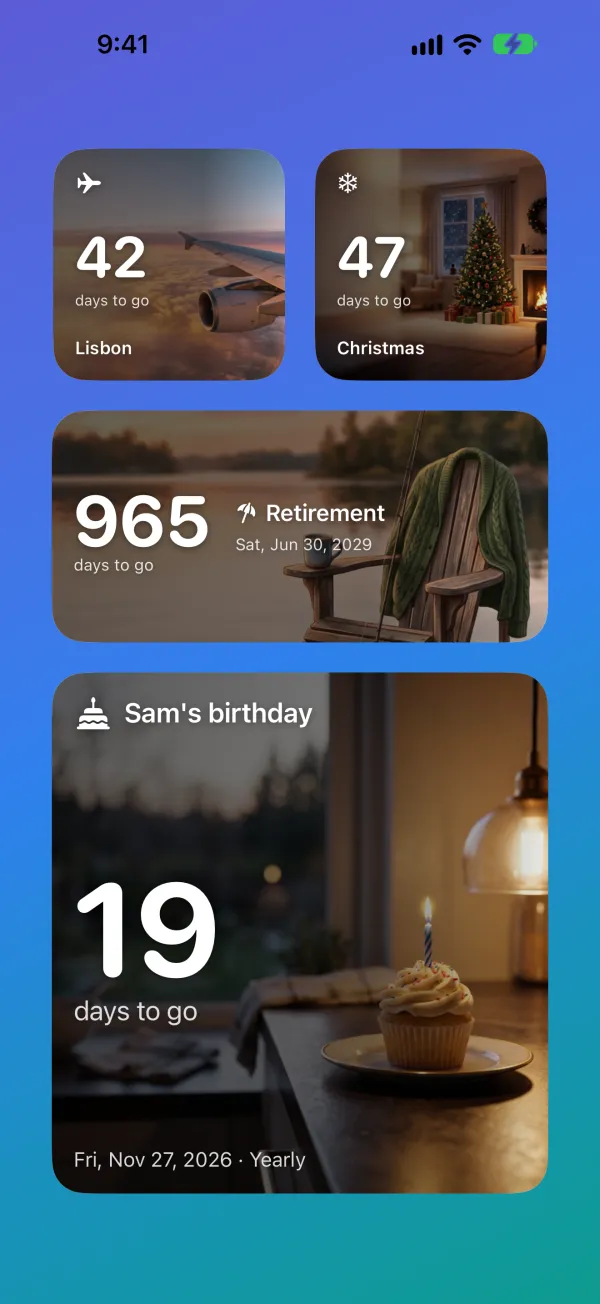
Countdown widgets for the Home Screen and Lock Screen
Every widget size is free: small, medium and large on the Home Screen, plus the Lock Screen. Each widget can show a different countdown — the trip on one, Christmas on another.
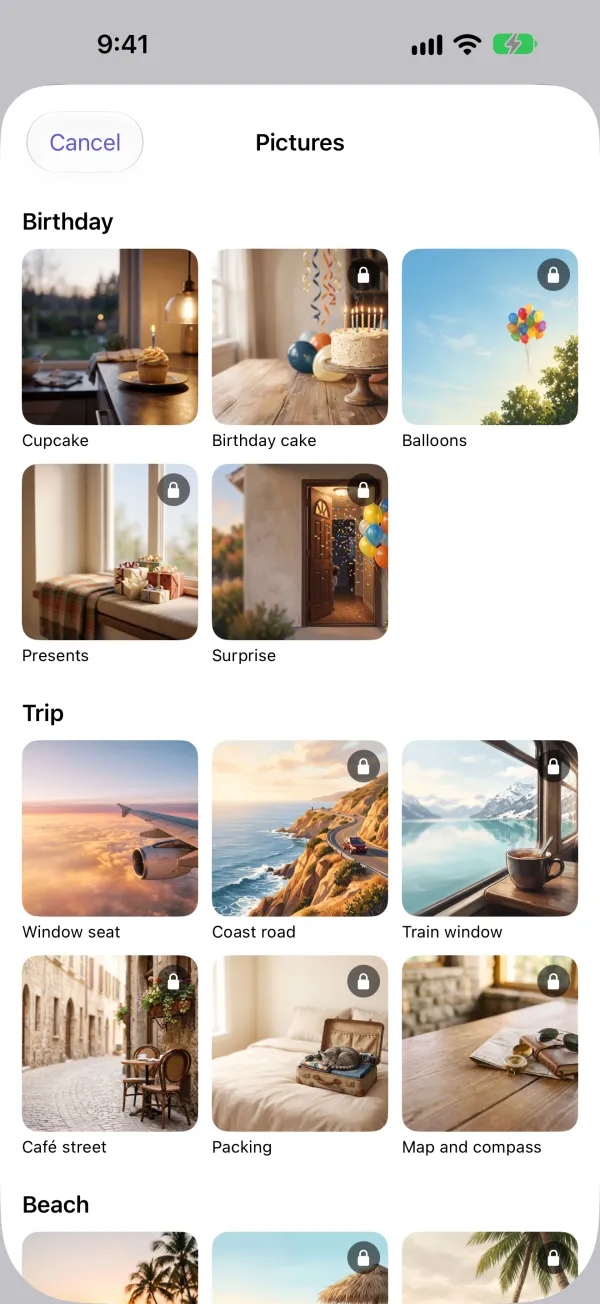
Every kind of event comes with a picture you can use straight away, and Marked Days suggests one when you add a countdown. Plus unlocks all 67, or put your own photo behind the count. The widget is darker on the side where the number sits, so it stays easy to read.
For the last eight hours before something starts, Plus can also show a live countdown on the Lock Screen.




















A few of the 67 pictures in the app. One for each kind of event is free.
The app
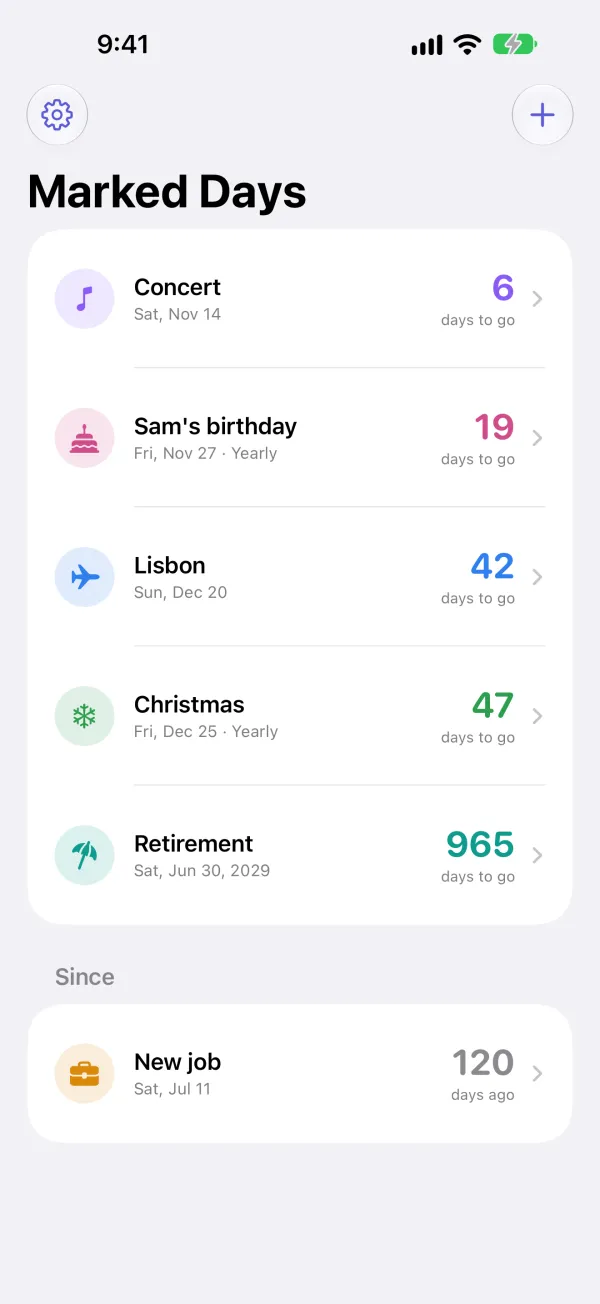
Every countdown in one list
There's no limit on how many countdowns you add. Each one shows the days left, and after the date it keeps counting up, so a new job or a move can show how long it's been.
- A birthday or anniversary set to repeat moves on to next year's date by itself.
- A reminder at 9am on the day, or up to 30 days before, if you want one.
- Count in days or weeks, or with Plus in months, hours, minutes, sleeps, weekends or workdays. Plus also has a live clock.
- Back up everything to one file in Files or iCloud Drive.
What's free, and what Plus adds
Free
Download it and start counting.
- Every widget: small, medium and large on the Home Screen, plus the Lock Screen
- As many countdowns as you like, and a different one on each widget
- A built-in picture for every kind of event
- Reminders at 9am, up to 30 days ahead
- Repeating events: weekly, monthly or yearly
- Counts up once the day has passed
- Count in days or weeks
- Back up everything to one file in Files or iCloud Drive
Plus
One purchase, no subscription.
- All 67 built-in pictures, or your own photo, behind the widget
- Count in months, hours, minutes, a live clock, sleeps, weekends or workdays
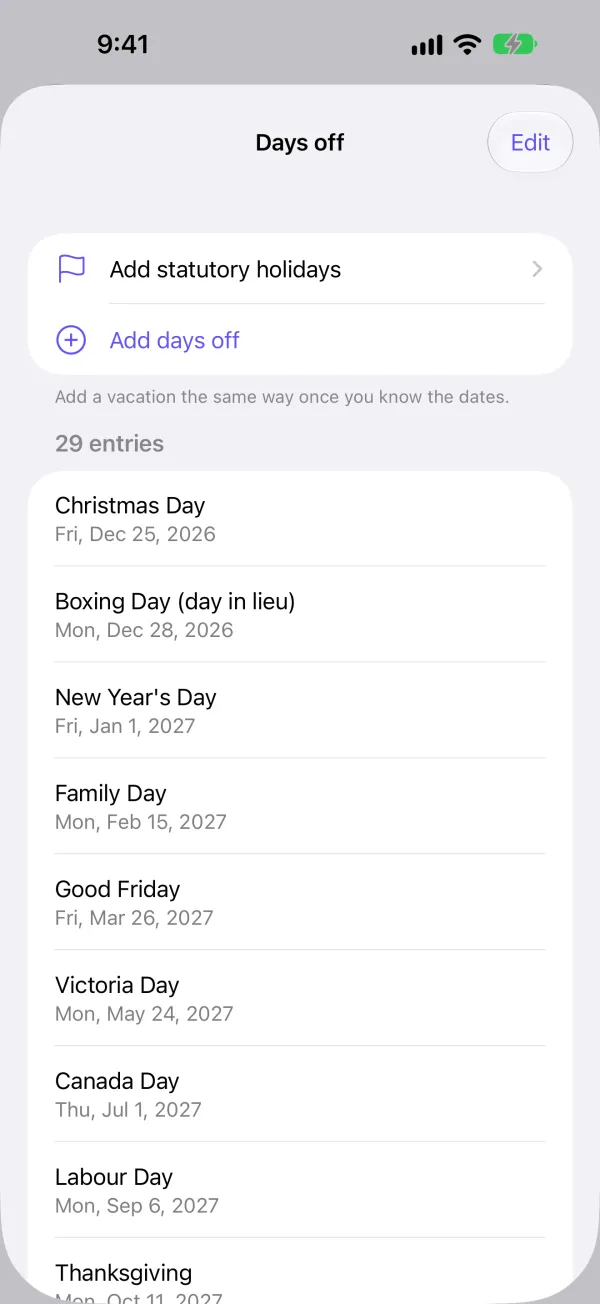
- Workdays that skip the statutory holidays for your province or territory, or US federal holidays
- Add an event from your calendar
- Share a countdown as a picture
- A live countdown on the Lock Screen for the last eight hours
One date, ten ways to count
Every countdown in the app has a Ways to count list with all ten. Tap one to use it on the widget and in the list.
This one counts to New Year's Day from right now. Pick an occasion further up and it follows along. Days and weeks are free; the rest come with Plus.
Workdays are Monday to Friday, and you can add statutory holidays so they're skipped.
Ways to count
- Days
- Weeks
- Months
- Years, months, days
- Hours
- Minutes
- Live clock
- Sleeps
- Weekends
- Workdays
Your countdowns stay on your iPhone
Marked Days has no ads and no account, and nothing you enter in the app is sent to me or to anyone else. The app's privacy policy has the details.
Get Marked Days
For iPhone, on iOS 17 or later.
 iPhone only
Marked Days is for iPhone, so there's no Android version. Thanks for stopping by.
I make Marked Days on my own. If something doesn't work the way you expect, email me.